Lathe Craft Simulator - Woodworking Game
Reviews
Turning Lathe Simulator offers a calm, focused gameplay loop that rewards steady hands and careful planning. The variety of chisels and the clear target shapes provide a gentle learning curve. Each level feels like a small puzzle, making it easy to play for a few minutes or longer. The scoring system encourages replay to improve accuracy. It is a well-made, non-violent game suitable for all ages.
About This Game
Game Introduction
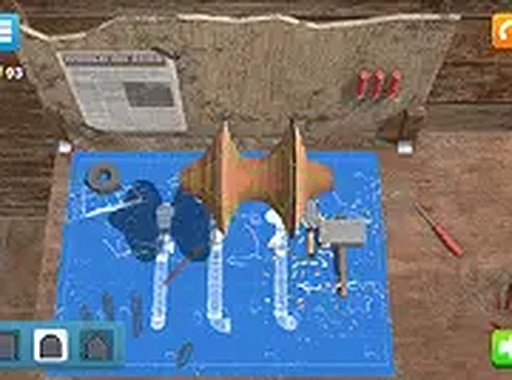
Turning Lathe Simulator is a wood carving game that places you in control of a virtual lathe. Your goal is to select the correct chisel and remove layers from a spinning piece of wood to achieve a specific shape. Precision is essential, as any mistake can ruin your creation. This game provides a relaxing yet challenging experience, ideal for players who enjoy crafting and simulation games. Play it for free and practice shaping wood into beautiful objects.
How to Play
To play, use your mouse or keyboard to choose a chisel from the available options. Then, guide the chisel against the spinning wood to carve away layers. Pay close attention to the target shape displayed on screen. Work slowly and steadily to avoid carving too deep or at the wrong angle. The game rewards accuracy, so take your time to match the desired form. Score points for each successful carve and complete the object to move to the next level.
Game Features
Realistic wood carving mechanics. Multiple chisel types with different carving properties. Precision-based scoring system that tracks your accuracy. Increasing difficulty as you progress through levels. Clean, simple graphics that focus on the carving task.
Tips for Success
This game encourages patience and careful attention to detail. It is a safe, family-friendly activity that provides a sense of accomplishment as you complete each project. Suitable for short sessions or longer play.