Robot Detour: Puzzle Game
Reviews
Robot Detour Demo offers a polished puzzle experience with 14 levels that gradually increase in complexity. The controls are responsive, and the battery delivery mechanic is easy to understand. The game avoids violence and focuses on logical planning, making it suitable for all ages. While the demo is short, it provides a satisfying challenge that encourages replay to improve your path. A solid choice for fans of brain teasers.
About This Game
Game Introduction
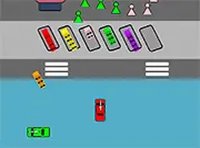
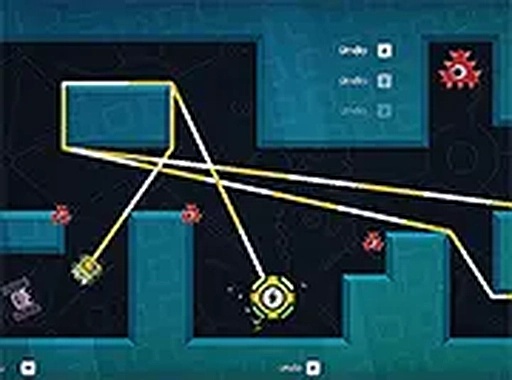
Robot Detour Demo is a browser-based puzzle game where you control a robot navigating through a series of levels. The core objective is to collect batteries and deliver them to other robots while avoiding enemies. This demo revives the charm of classic puzzle games with a fresh twist, offering a compact and engaging challenge that tests your planning and timing. It runs directly in your browser with no download required, making it easy to jump in for a quick session or a longer play.
How to Play
Players use keyboard or mouse controls to move the robot through each level. The goal is to plan a route to pick up batteries and reach robot friends without touching enemies. Some puzzles require waiting for the right moment or finding a safe path. The game is best played on a desktop computer, and you can switch to full screen for a more focused experience. Simply load the game in your browser and begin solving.
Game Features
This demo includes 14 handcrafted levels that increase in difficulty. It features robot characters with a friendly design and battery delivery missions that require logical thinking. Enemies add a layer of challenge without violence. The game is free to play with no registration, and full screen mode is available for desktop use. It is clean, family-friendly, and perfect for quick breaks or relaxed play.
Tips for Success
Take your time to observe each level before moving. Plan your route carefully to avoid enemies and collect all batteries. Some puzzles may require you to wait for enemies to move out of your path. Practice regularly to improve your timing and problem-solving skills. If you get stuck, try a different approach or take a short break to refresh your thinking.