
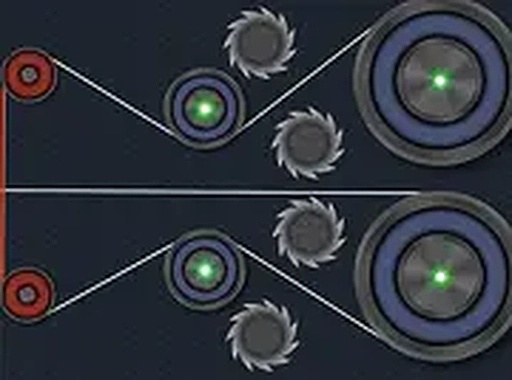
Circuit Connect Logic Puzzle
Reviews
Circuit Connect offers a refreshingly simple yet engaging puzzle experience. The gradual difficulty curve keeps you challenged without frustration. The auto-save feature is convenient for short sessions. The clean, ad-free interface allows for focused gameplay. It is an excellent choice for anyone looking to sharpen their logical thinking in a relaxed setting.
About this game
Game Introduction
Circuit Connect is an online puzzle game that challenges your logical thinking and problem-solving abilities. In each level, you are presented with a circuit board that needs to be completed by connecting wires in the correct sequence. The puzzles start simple and gradually become more complex, requiring you to plan your moves and adjust your approach. The game is free to play and runs directly in your browser, with no downloads or installations needed. It saves your progress automatically, so you can stop at any time and return later to continue from the same level. Circuit Connect is designed for desktop computers and works best with a mouse or keyboard. You can also switch to full screen mode for a more focused experience. This game is suitable for all ages and offers a safe, engaging way to sharpen your problem-solving skills.
How to Play
To play Circuit Connect, use your mouse to click on a wire endpoint and drag it to the correct connection point. Each level has a clear goal: complete the circuit by connecting all required wires. The game provides visual feedback when a connection is correct or incorrect. If you make a mistake, you can easily undo or retry the level. The controls are simple and intuitive, making it easy for anyone to start playing. As you advance, new challenges appear, such as limited moves or time constraints. The game does not require reading or language skills, so it is accessible to players worldwide. For the best experience, use a desktop computer with a mouse and enable full screen mode.
Game Features
Circuit Connect includes several features that enhance gameplay: it is completely free to play with no hidden costs. The auto-save function stores your progress after each level, so you never lose your place. Full screen mode provides an immersive view without distractions. The game is designed for desktop only, ensuring precise mouse control. Each level is unique and offers a fresh puzzle to solve. The interface is clean and easy to navigate, with no ads interrupting the experience.
Tips for Success
To succeed in Circuit Connect, start by carefully observing the entire circuit board before making any connections. Plan your moves ahead, especially as puzzles become more complex. If you get stuck, take a break and return later—your progress is saved automatically. Practice regularly to improve your logical thinking and speed. Use the undo feature freely to experiment with different strategies. Focus on accuracy rather than speed, as careful planning often leads to faster completion.








Comments
0 comments