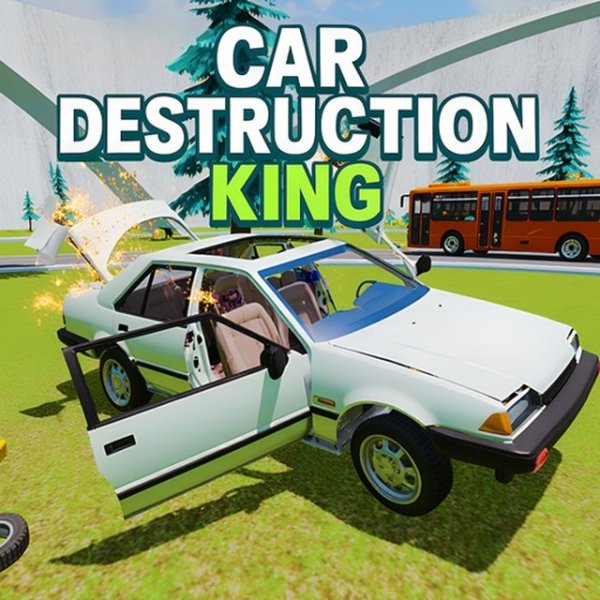
Stunt Car King Online
Reviews
Car Stunt King is a delightful online driving game that offers a variety of modes to keep players engaged. From racing through city streets to performing stunts on ramps, the game provides a safe and creative outlet for driving fun. The crash test mode is particularly enjoyable, allowing you to test your vehicle's durability without any violence. The controls are simple, and the game runs smoothly on any device. Perfect for family play.
About This Game
Game Introduction
Car Stunt King is an online driving game that focuses on performing stunts and exploring different environments. Players can drive a car through city streets or natural landscapes, each offering unique challenges. The game includes a sandbox mode for free exploration and creative driving, as well as a test drive mode for practicing stunts and crash tests. Designed for players aged 3 and up, it provides a family-friendly experience that combines racing, stunts, and vehicle durability testing.
How to Play
Players control their car using keyboard cursor keys. They can navigate the menu to choose from various modes, such as racing on city or nature tracks, or entering the sandbox for free driving. In the sandbox, players can drive through traffic and perform stunts on ramps and obstacles. The test drive mode allows players to practice on loops and other installations to test the car's strength. The game supports full-screen mode and runs directly in a browser without downloads.
Game Features
Features include multiple game modes such as sandbox and test drive, stunt driving on ramps and obstacles, crash tests to evaluate vehicle durability, and a variety of locations including city streets and natural landscapes. The game uses WebGL technology for smooth performance on PC, mobile phones, and tablets. It is family-friendly and suitable for all ages, with simple controls and full-screen support.
Tips for Success
To succeed in Car Stunt King, practice controlling your car's speed and balance when approaching ramps and loops. Experiment with different angles and speeds to perform stunts safely. In the sandbox mode, explore the environment to find creative ways to use obstacles. For crash tests, try different approaches to see how your car handles impacts. Regular practice will help you master the controls and discover new stunts.