

Royal Wardrobe Creator
Developer: Soul Edge Digital
Updated: 2026-07-21
Reviews
Royal Wardrobe Creator offers a calm, open-ended space for children to explore fashion design. The interface is intuitive, letting kids easily navigate between makeup, hairstyles, accessories, and dresses. The bright, friendly graphics keep the experience positive, and the lack of timers or scores means there is no pressure. Saving and sharing creations adds a rewarding social layer. This game is a solid choice for parents seeking a safe, creative activity that encourages imagination without overstimulation.
About this game
Creative Freedom
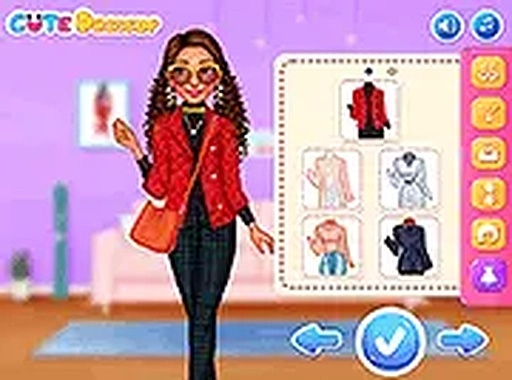
Players begin by picking a princess character to style. The game provides a wide array of makeup choices, including lip colors and eye shadows, along with multiple hairstyles. Accessories such as tiaras and necklaces add personal flair. The wardrobe section offers many dresses and outfits to complete each design. Children can freely experiment with different combinations, changing any element at any time until they are satisfied with the final look. This open-ended approach encourages exploration and self-expression without any pressure to achieve a specific goal.Simple Controls
The game is designed for easy navigation on both computers and tablets. A mouse or touch screen allows players to select items from clearly labeled menus. Each category—makeup, hair, accessories, and clothing—is presented with large, colorful icons that are easy for young children to understand. The interface stays consistent, so kids can focus on creating rather than figuring out how to use the controls.Visual Appeal
Bright, cheerful graphics make the styling process engaging. Characters are drawn with friendly expressions, and each item is rendered with enough detail to be distinct without being overly complex. The color palette is varied but harmonious, helping children see how different shades work together. This visual style supports the game's purpose as a relaxing and enjoyable activity for creative play.Sharing Creations
Once a design is complete, players can save their favorite looks. A built-in sharing option lets children show their creations to family and friends. This feature adds a social element, allowing kids to receive positive feedback and feel proud of their work. Saving designs also helps children track their progress and revisit past creations for inspiration.Compatibility
• OS: Windows 10+, macOS 11+, iOS 14+, Android 10+
• Browsers: Chrome 100+, Safari 15+, Edge 100+, Firefox 100+
• Not compatible with Internet Explorer
Tested on real devices ✅ works as expected




Comments
0 comments