
Mechanical Tools Quiz Puzzle
Reviews
Mechanical Tools Quiz Puzzle is a well-designed logic game that makes learning about tools enjoyable. The multiple-choice format is easy to understand, and the three modes offer variety. The learn mode is especially helpful for beginners. Immediate feedback helps reinforce knowledge, and the game runs smoothly on any device. A perfect choice for family-friendly entertainment.
About this game
Game Introduction
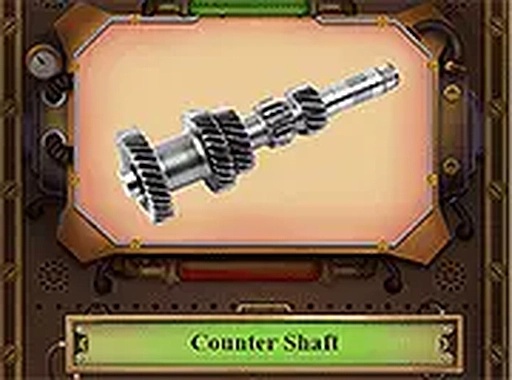
Mechanical Tools Quiz Puzzle is a logic-based game that challenges players to recognize common mechanical tools and objects. The core objective is to identify items such as wrenches, gears, and hammers by looking at an image or reading a name, then selecting the correct answer from multiple choices. This game is designed for anyone curious about mechanics, from beginners to enthusiasts, and aims to combine learning with fun. It runs instantly in your browser with no downloads required and works on both desktop and mobile devices. You can also play in full screen for a better view. The game presents a series of tool-related questions, each with a clear visual or textual clue, and you must pick the right answer from several options. Immediate feedback helps you learn as you play, making it an educational experience as well as an entertaining one. The game is suitable for all ages and offers a safe, family-friendly environment for exploring the world of mechanical tools.
How to Play
Players typically start by selecting a game mode. In streak mode, you answer each question correctly to keep going—one mistake ends the round. In 60-second mode, you answer as many questions as possible before the timer runs out. There is also a learn mode that lets you study the tools before playing. When playing, you click or tap your answer from the choices provided, and the game gives immediate feedback on whether you were correct. The gameplay is simple to start and easy to play on any screen size. The multiple-choice format makes it accessible to players of all skill levels, and the immediate feedback helps reinforce learning. You can switch between modes to suit your preference, whether you want a relaxed learning session or a fast-paced challenge.
Game Features
Features include two game modes for different play styles: streak mode and 60-second mode. A dedicated learn mode helps you memorize tools before playing. The game is mobile-friendly and works on all browsers. It is free to play with no downloads required. A full screen option is available for an immersive experience. The content is family-safe and suitable for all ages. The game also provides immediate feedback on each answer, allowing you to learn from mistakes and improve your knowledge over time. The interface is clean and intuitive, making it easy for anyone to start playing right away.
Tips for Success
To improve your performance, start with learn mode to familiarize yourself with the tools and their names. Practice regularly to build your recognition speed. In streak mode, focus on accuracy over speed since one mistake ends the game. In 60-second mode, try to answer quickly but carefully to maximize your score. Review any tools you miss to reinforce your knowledge. Consistent practice will help you identify tools faster and more accurately, enhancing your overall experience.








Comments
0 comments